
01
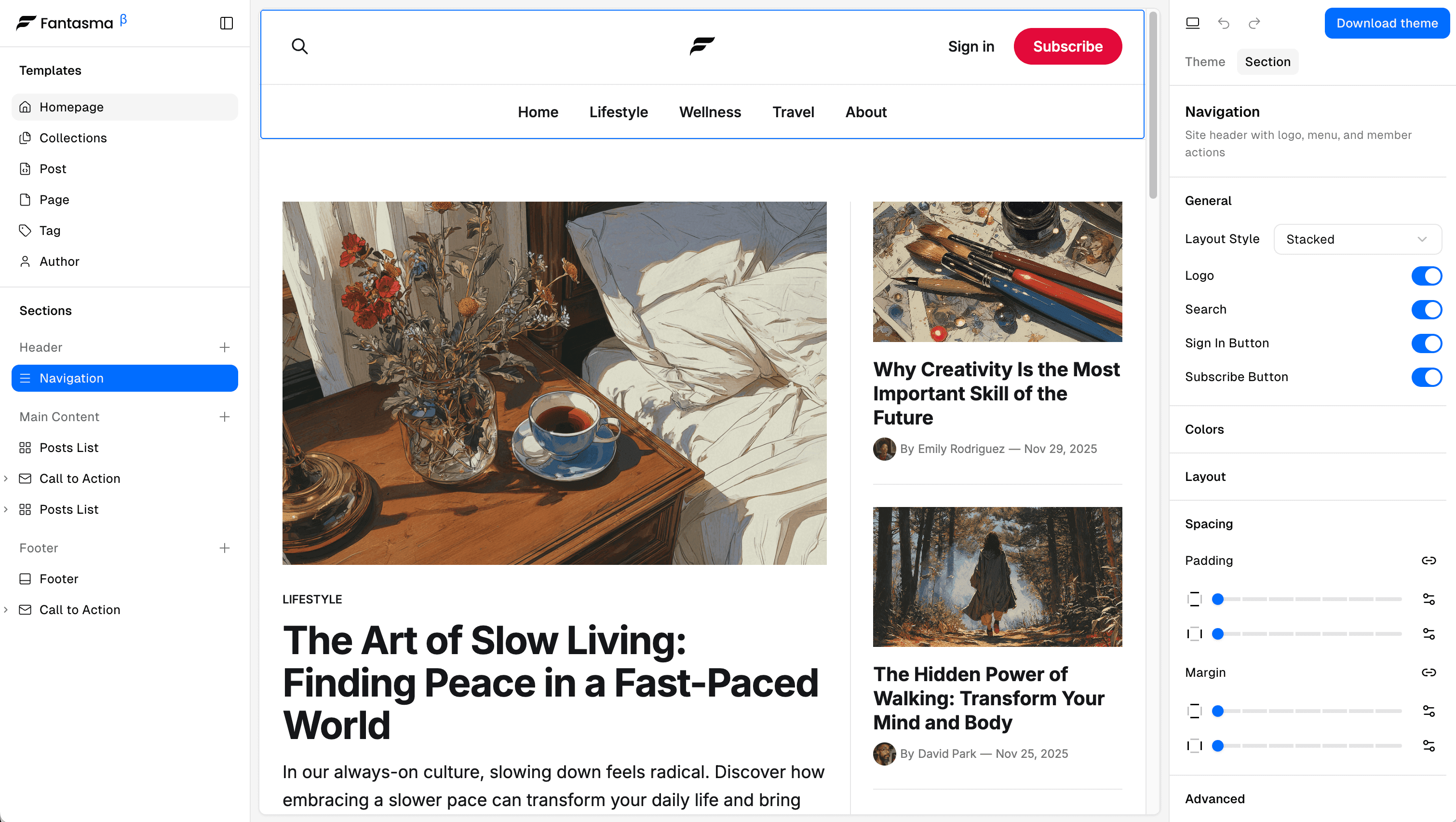
Pick a Template
Start with home, post, page, tag, or author templates. All built on Ghost's Source aesthetic.
We love the clean aesthetic of Ghost's Source theme, but wanted more flexibility. Fantasma unlocks that potential — giving you visual editing, landing page sections, and total design control without touching code.
Start with home, post, page, tag, or author templates. All built on Ghost's Source aesthetic.
Add sections, pick colors and fonts, adjust spacing. Watch changes happen in real-time.
Download as a ZIP, upload to Ghost. Your custom theme goes live instantly.
Why Fantasma
Every section is fully configurable. Adjust spacing, colors, layouts, and content — all through intuitive visual controls.
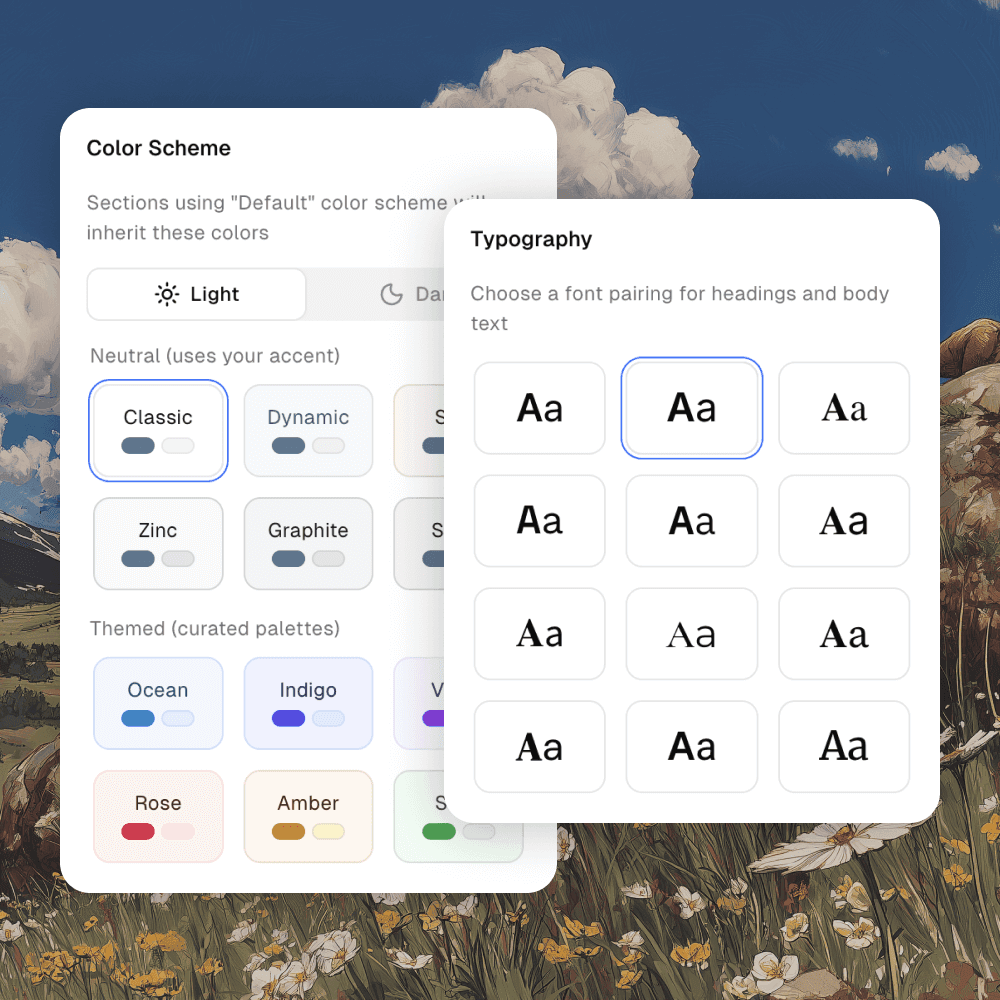
Theming
Choose from curated color schemes and professionally paired fonts. Apply globally or override individual sections for unique combinations that match your brand.
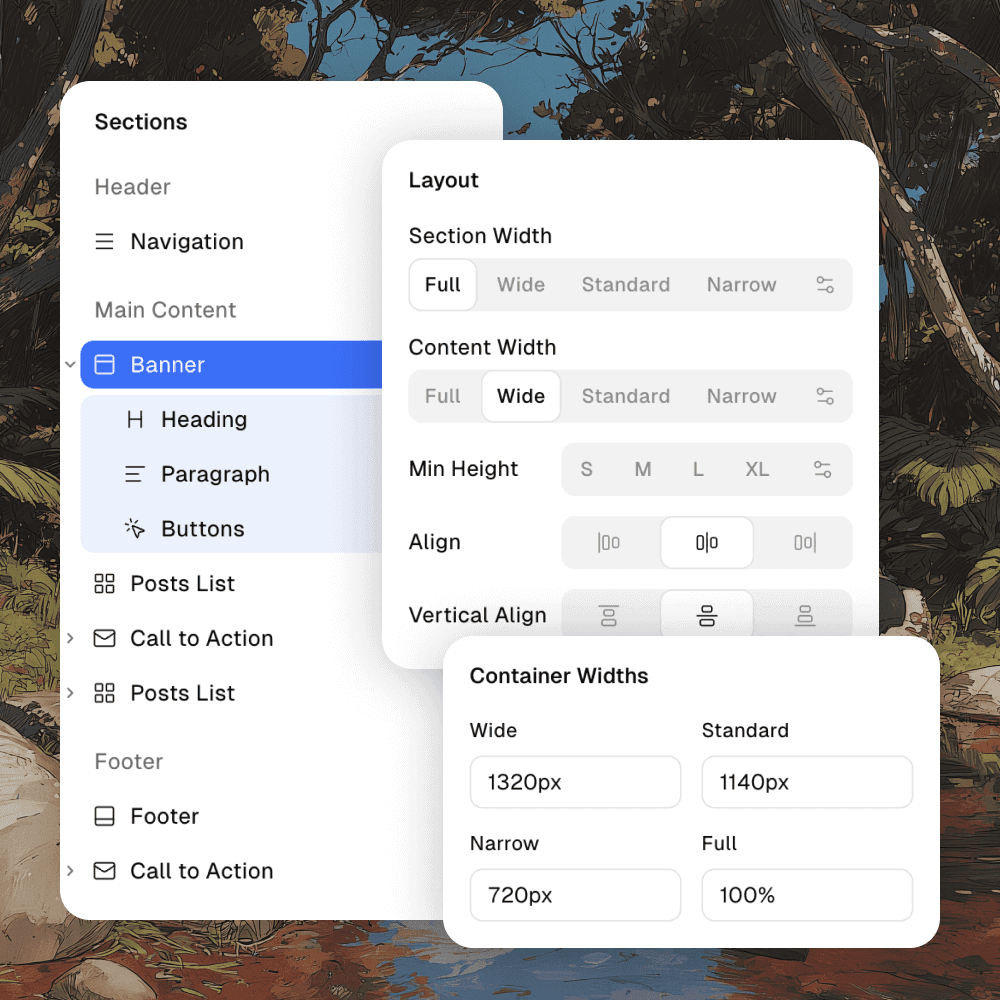
Layout
Control content width, container size, and alignment for every section. Preset widths or custom values — your design, your rules.
Spacing
Fine-tune padding and margins with precision. Use presets for speed or custom values for exactness.
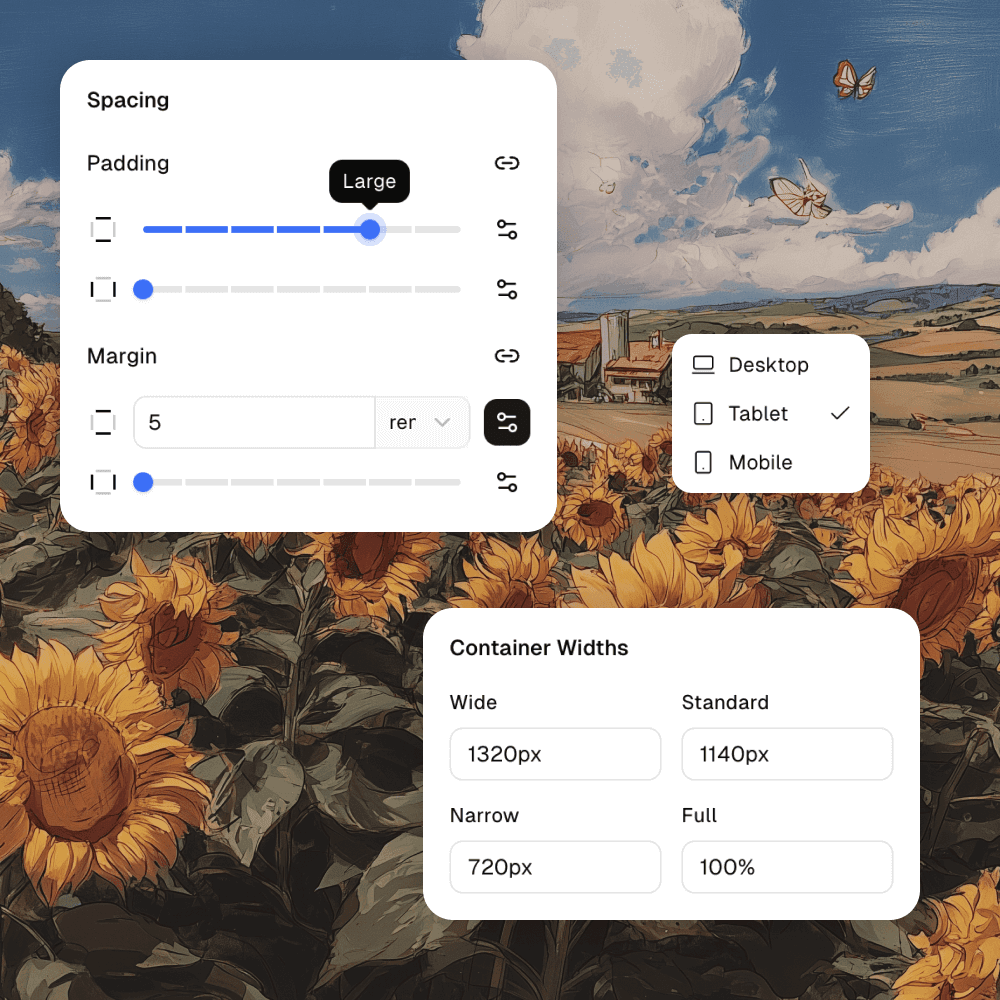
Variations
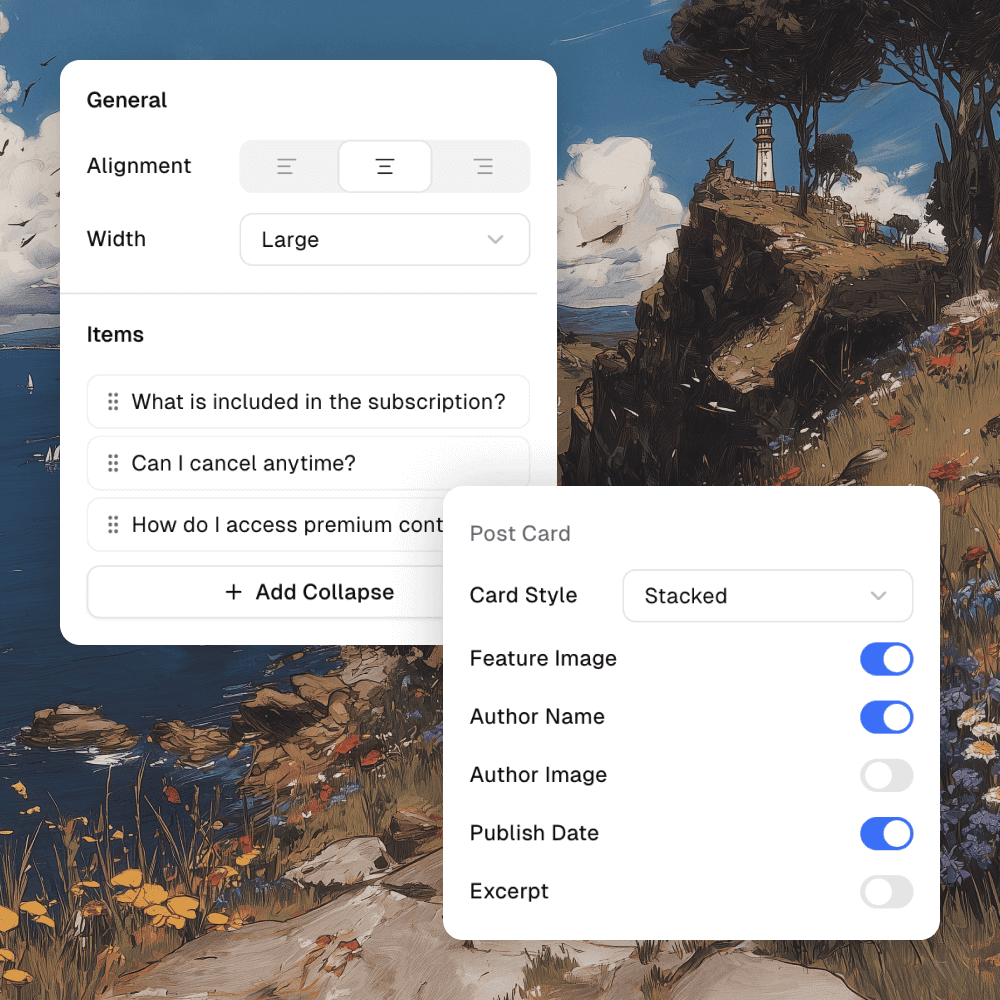
Each section offers multiple layout variations. Grids, lists, mixed layouts — toggle elements like images, authors, and excerpts.
Marketing
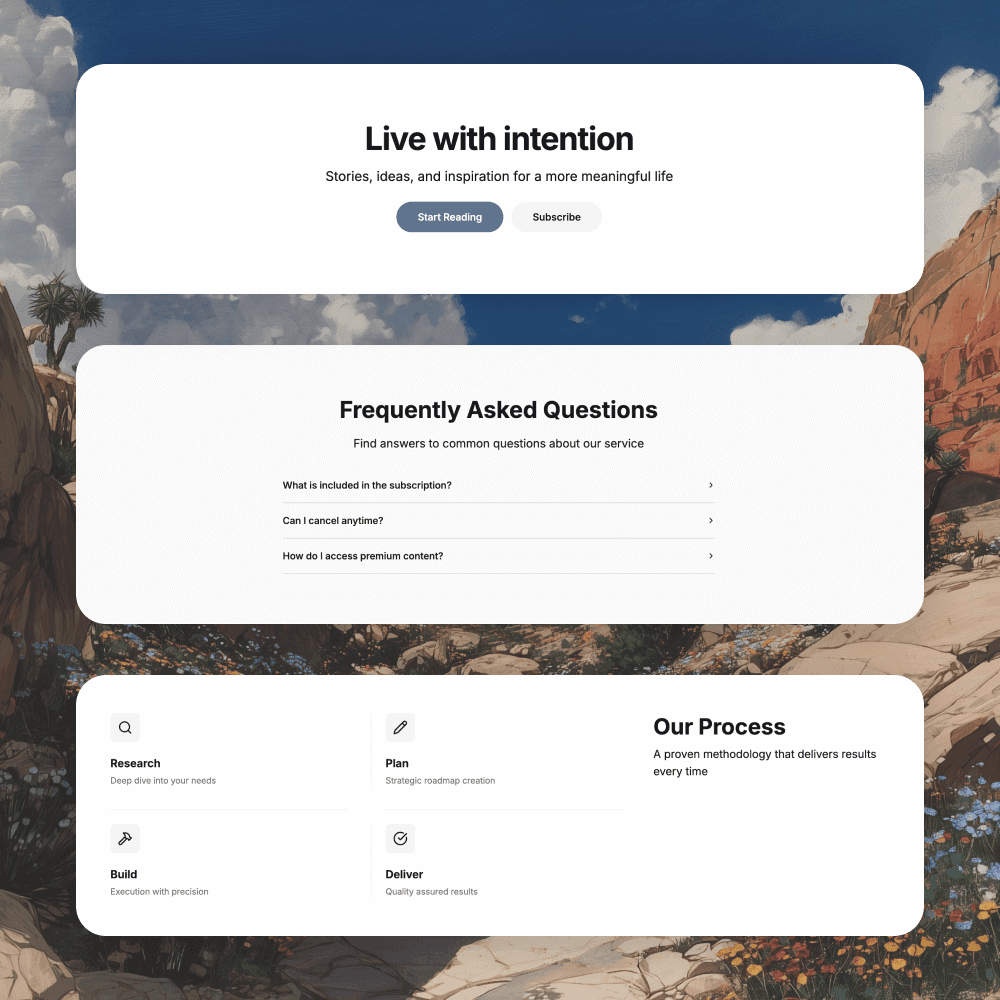
Ghost is more than a blogging platform. Build compelling landing pages with advanced sections: hero banners, feature grids, stats, FAQs, and more.
Why Fantasma
Professional tool without the complexity. Optimized output, powerful features, and a generous free tier — built for publishers who care about performance.
Frequently asked
Everything you need to know about using Fantasma to build and export Ghost themes.
Fantasma is a visual builder that generates Ghost themes based on Source. You design in the browser, export a ZIP, and upload it to your own Ghost site.
No. Most users never touch Handlebars or CSS. If you do want to customize further, the exported theme is standard Ghost code you can edit in any editor.
Yes! Themes you export can be used for your own sites and client work. However, you cannot resell or redistribute the themes themselves on marketplaces like ThemeForest or the Ghost Marketplace.
As many as you want for your own use or client work. There's no limit on deployment — use the same theme across unlimited sites.
Yes, exported themes work with any Ghost installation version 5.0+, whether you're using Ghost(Pro) or self-hosting.
Yes, you own the themes you create. The license allows unlimited use for personal and client projects, but not for resale or redistribution as standalone products.
Absolutely. The exported theme is standard Ghost/Handlebars code. You can customize it further in any code editor — it's your code forever.
You still keep every theme you export. Because Fantasma only uses Ghost's official helpers and structures, your theme keeps working even if you never open the builder again.

Join publishers who've unlocked Source's full potential.
Start building in minutes — no credit card required.